How to Remove Live Activity widgets in iOS 18
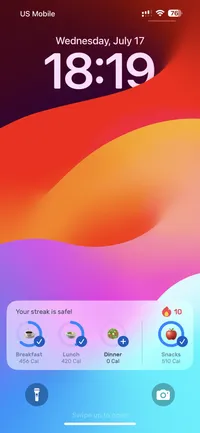
If you ever get stuck with a live activity widget on your lock screen, here’s how to remove it..
Step-by-Step Guide
- Open Settings.
- Tap on Apps.
- Find and tap the App that is showing the widget.
- Toggle Live Activities.
That’s it! A quick video of this is embedded below.